



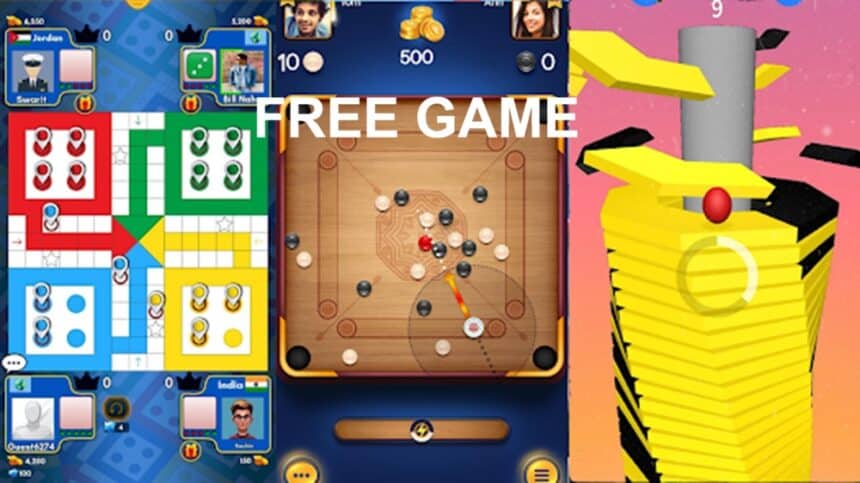
It is common to have a quick break between tasks by grabbing your phone and scrolling through some quick videos or social media. However these can often turn into half an hour, with your brain feeling more tired than before. If you attempt to download a free game from an app store to help you pass the time you will often find yourself having to create an account, play through an energy bar and get bombarded by offers.
Instead opt for a light free game in your browser. Each round has a clear beginning and end so you will give your brain a quick switch of focus. Once you have completed the level you can close the tab and return to your task.
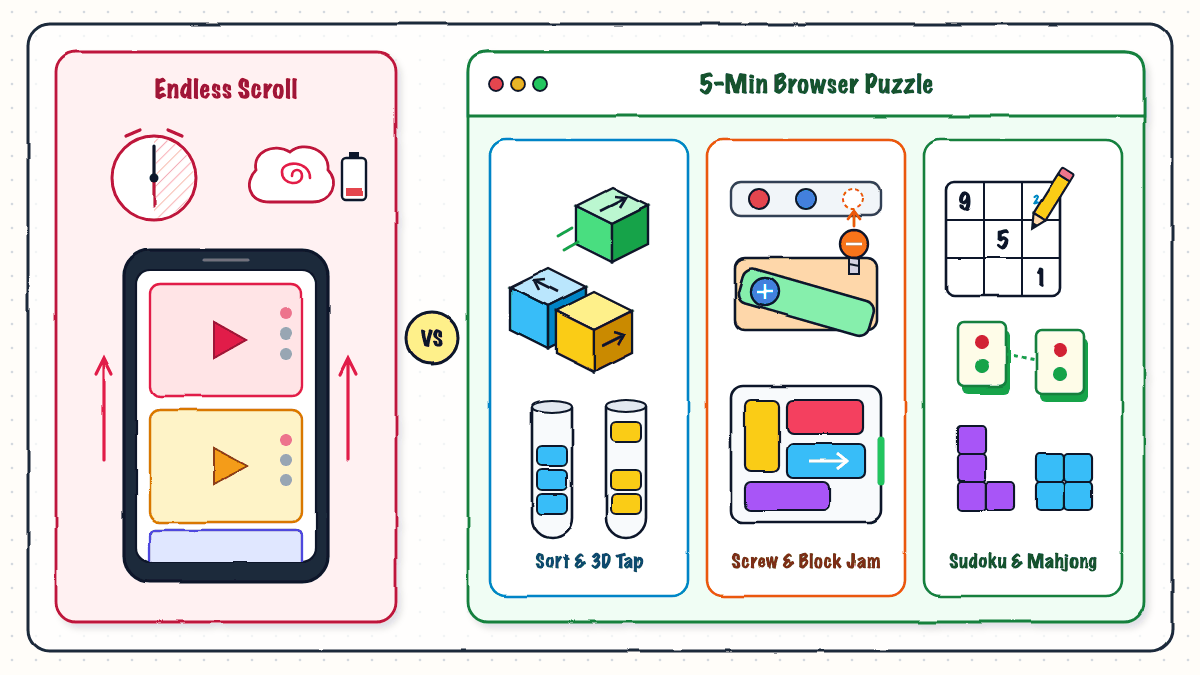
Why a 5-minute browser puzzle game gives your brain a cleaner break than endless feed scrolling
Quick Brain Refresh
Using a good browser portal you can quickly launch a free game without downloading anything. No need to waste phone storage and no need to enter your email.
Using your mouse, you can click and drag in one tab on your laptop or PC. Or if you’re on the go with your phone, it will automatically adapt to touch controls. You can simply click the download icon on any game page to add your favourite game to your home screen on your phone. It will act like a light application.
Each game page includes a short instruction below the game explaining how to play and which controls to use on PC and Mobile. Useful features include Played Games which makes it easy to continue where you left off yesterday. The Random feature will randomly select a new free game for you if you’re unsure which to play. With support for 10 languages and optional score leaderboards each month, everything is set up to give you quick sessions.
Choose Your Preferred Free Puzzle
With over 300 online puzzle games you can choose the perfect puzzle to suit how tired your brain is after a long meeting or study session:
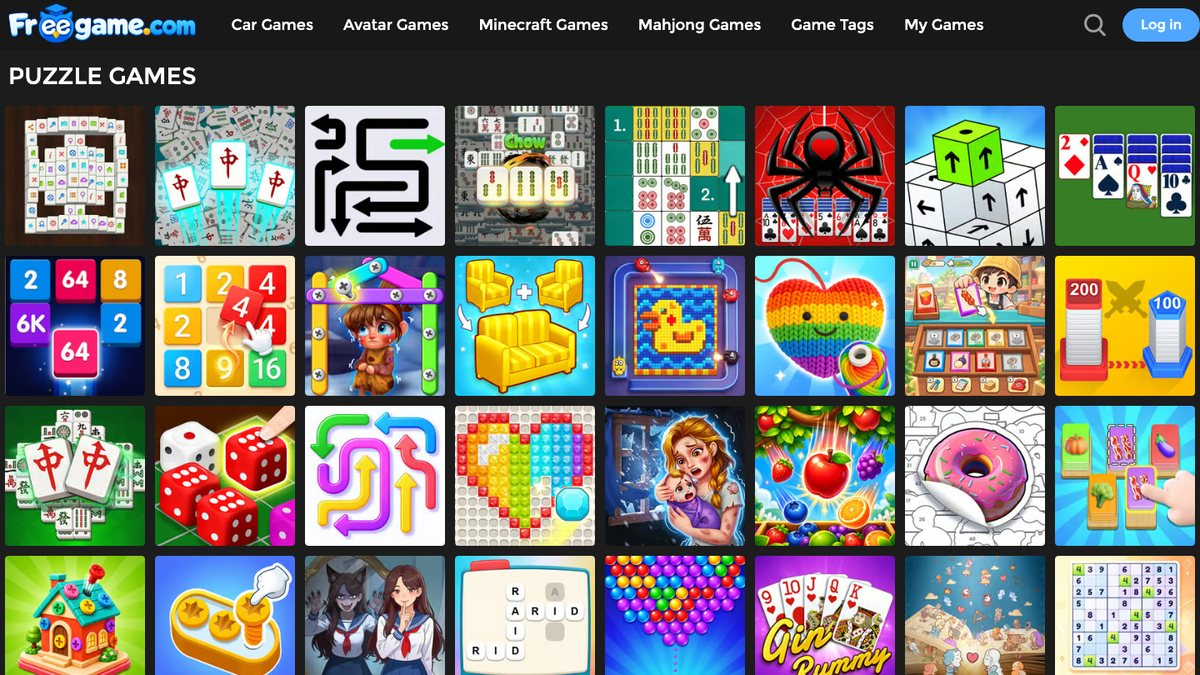
Online puzzle games catalog: Sort, 3D screw, Sudoku, Mahjong, and block grid titles playable in your browser
- No Timer Sorting & Tapping Games – These are great if you want to relax. There are no timers and you can simply sort the coloured pieces so they all match within each column. Or rotate the 3D cube tower and tap the cubes with open paths to make them fly off in the direction the arrow is facing. There is no penalty for incorrect moves.
- 3D Unscrewing & Jamming Puzzles – Get your brain working with these puzzles. Try unscrewing the 3D item by pulling the outside pins into the correct colour slots to release the layers. Or try the busy block jam puzzle by sliding the coloured blocks to the correct exit.
- Classic Sudoku, Mahjong & Block Grids – If you prefer playing games with rules that you know then try filling in the 9×9 grid on Sudoku. Using the pencil function you can add little notes within tricky cells. Or match up the open tiles in Mahjong Solitaire. For a quick 5 minute game try dragging the block shapes into the 8×8 grid. There are 5 different game modes to choose from: Classic, Advanced (3×3 Squares), Blast, Time & Challenge.
3 Easy Tips To Help You Beat Tricky Boards
To play smoothly through the levels during your 5 minute break:
- Take a look at the whole board! – Don’t rush into making your first move. Take 3 seconds to look at the board and see which blocks, cubes or screws are blocking others and where the empty space is. Often the first 2 moves in sorting and jamming games will determine how you play the rest of the round.
- Work backwards from the locked piece – If the tile or screw you need is stuck at the bottom then start with the last piece you want to unlock and work backwards to see which outside pieces need moving.
- Use the note, highlight or quick restart functions – When starting Mahjong enable the Highlight Free Tiles option so you can see which pairs you can play. When playing Sudoku use the pencil function to add notes to rows with multiple options. If the board is completely jammed then often it is quicker to restart the level and plan a new strategy.