




How to Create an Attractive Freelancer Portfolio [5 Tips & Examples]
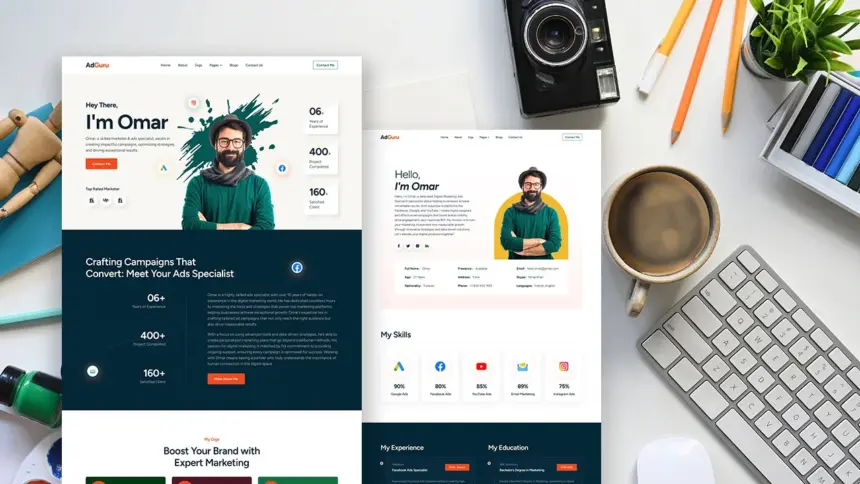
A well-crafted freelancer website portfolio helps potential clients quickly understand what you do and whether you’re the right fit. More than a simple collection of samples, it works as a decision shortcut—showing your focus, experience, and working style at a glance. This guide walks through practical ways to build a freelancer portfolio that stands out, along with tools and real examples you can learn from.
What Is a Freelancer Portfolio?
A freelancer portfolio is a curated set of work that shows what you do, how you think, and the kind of results you can realistically deliver for clients. In practice, most freelancers present this work through a freelancer website portfolio, which allows clients to review samples, understand your positioning, and contact you in one place.
A typical freelancer website portfolio includes:
- Selected samples (not everything you’ve ever done)
- A short explanation of your niche and services
- Enough context to clarify your role in each project
- A clear and visible contact method
For writers, this often becomes a freelance writer portfolio, combining published links, topic clusters, and brief case notes. A content writer portfolio may focus more on clarity, structure, and audience relevance. Designers and web creators, by contrast, often rely on visuals and process explanations to show how they approach projects.
5 Tips To Create a Stand-out Freelancer Website Portfolio
Portfolios rarely fail because the freelancer lacks skill. More often, they fail because the work is presented without direction. A strong freelancer website portfolio feels intentional—each section reinforces the kind of work you want to be hired for.
Below are five practical improvements that consistently make portfolios more effective.
1. Choose A Clear Niche Before You Choose A Layout
Clients don’t visit a freelancer’s website portfolio to admire versatility. They arrive with a problem and look for someone who clearly fits it. A portfolio that tries to cover everything often ends up saying very little.
What usually works better:
- Pick a primary focus, even if you can handle related work
- State that focuses clearly on the homepage
- Curate samples that reinforce your positioning
This applies whether you’re building a freelance writer portfolio, a content writer portfolio, or a design-focused freelancer website.
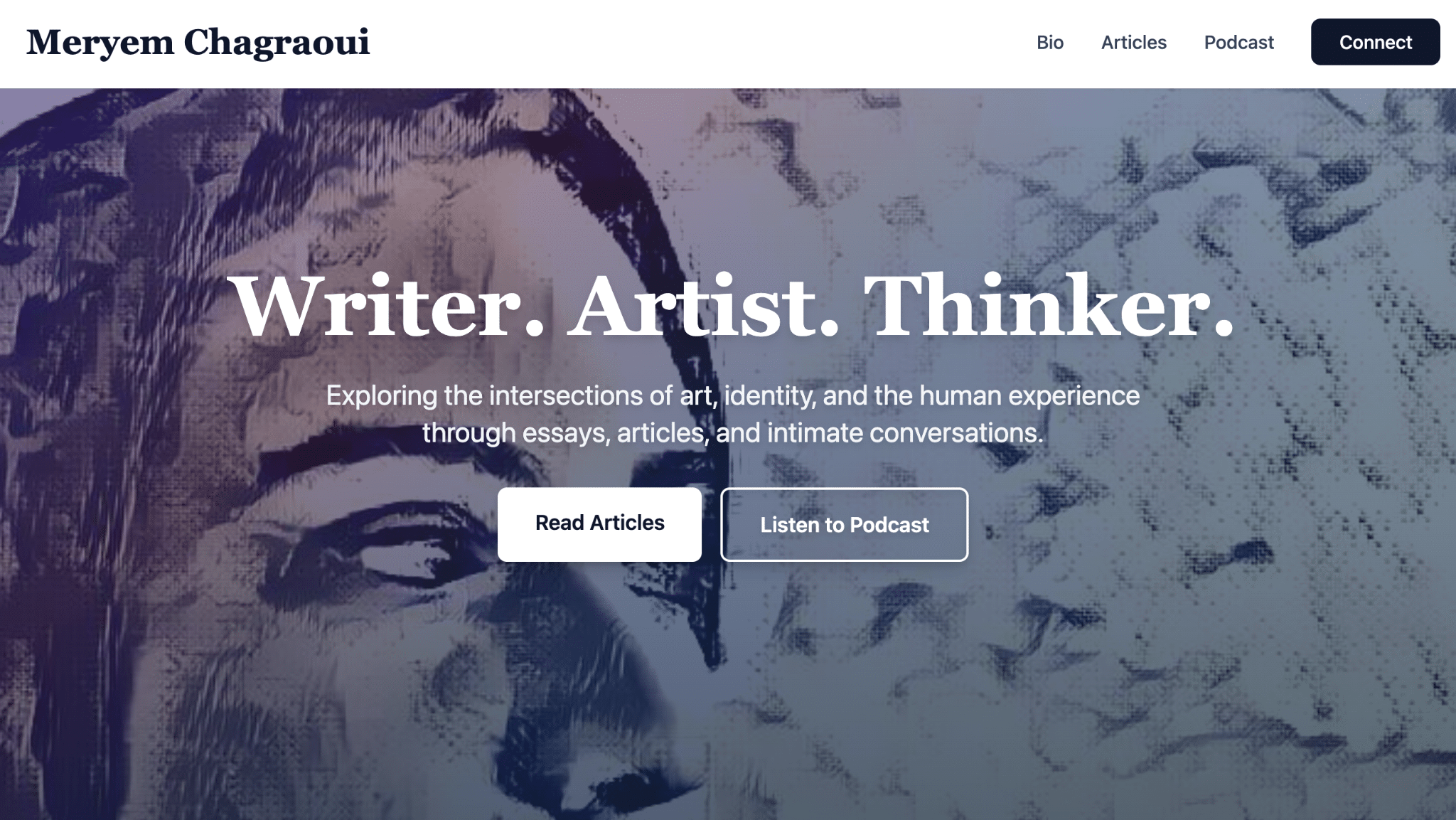

2. Add Context So Samples Don’t Feel Like Random Links
When someone clicks a sample, they usually want quick answers:
- What was the goal?
- What was your role?
- What changed as a result?
Many freelance writer portfolios skip this step, which is why different portfolios can start to look interchangeable. Even a short explanation helps anchor your work and makes evaluation easier.
A simple structure is often enough:
- Project: what it was
- Role: what you handled
- Outcome: what it achieved


3. Use YouWare Vibe Coding Platform
If you want to build a professional freelancer website portfolio without spending hours on templates and plugins, YouWare offers a practical alternative—especially when speed and flexibility matter.
What YouWare Is
YouWare is a vibe coding platform that turns natural-language prompts into a working website you can refine visually. Instead of starting from a blank layout, you describe what you need, then adjust structure, copy, and layout directly on the page.
For a freelancer website portfolio, the main advantage is momentum: you can publish a solid draft quickly and improve it through small, low-friction edits.
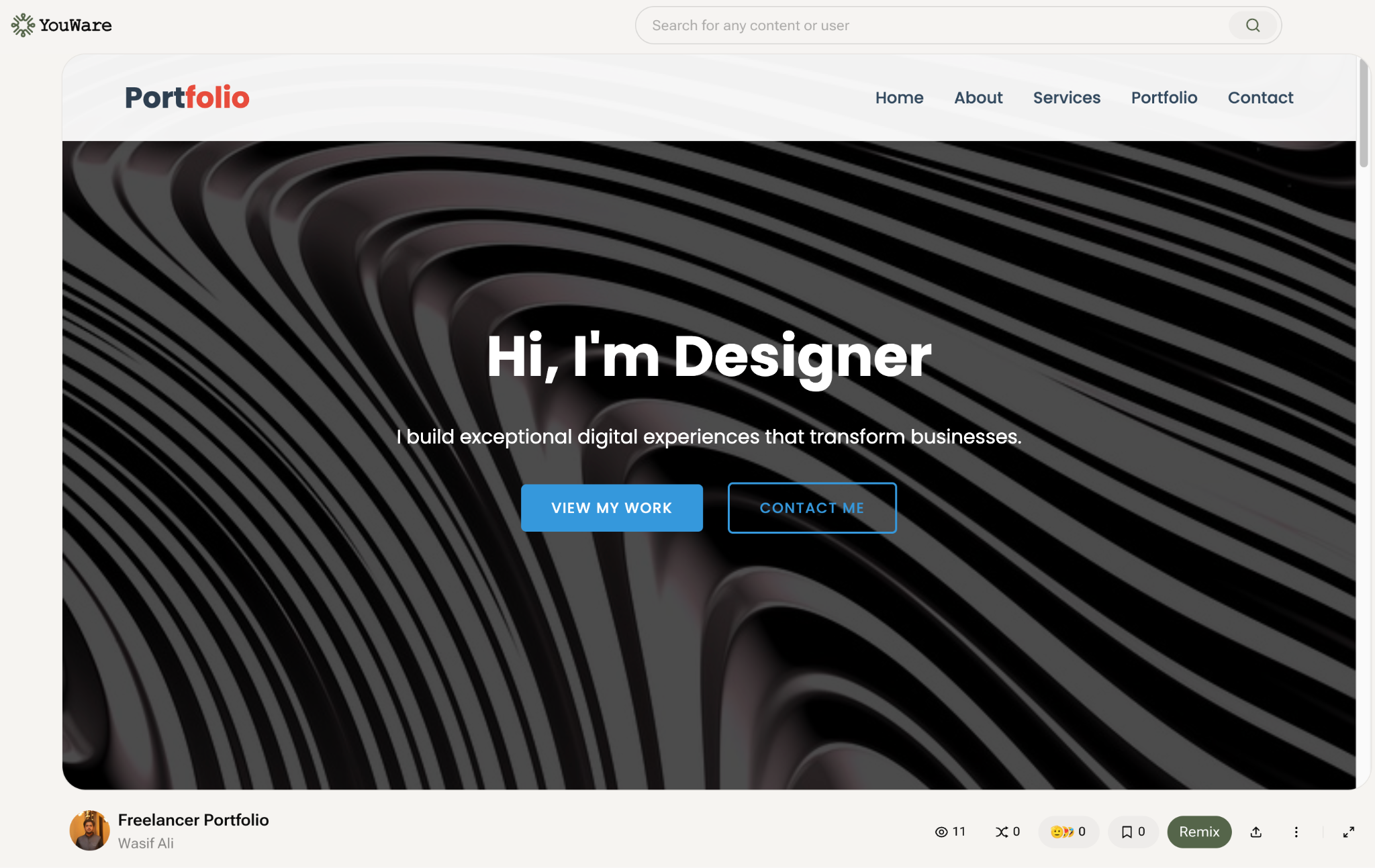

Key Features For Building A Freelancer Website Portfolio
- Prompt-based site generation
- Visual editing for copy, layout, and sections
- Fast iteration without rebuilding pages
- Optional backend support for forms or workflows
- Publishing to a live URL with custom domain support
Steps To Build A Stand-out Freelancer Portfolio With YouWare
- Start from the YouWare Create page and describe your niche, services, and ideal clients
- Review the generated structure and remove unnecessary sections
- Refine copy and layout on-canvas, focusing on the first screen visitors see
- Add clear contact paths (email, form, or booking link)
- Publish to a live URL or connect a custom domain
4. Make It Skimmable (Because That’s How People Read)
Most visitors skim a freelancer’s website portfolio before deciding whether to stay. Clear headings, simple navigation, and visual spacing help them find what matters quickly.
Helpful patterns include:
- Headings that describe outcomes, not just sections
- Obvious navigation (“Work,” “Services,” “About,” “Contact”)
- Samples grouped by category
- Enough white space to keep pages readable
For both a freelance writer portfolio and a freelance web designer portfolio, readability directly affects conversions.

5. Remove Friction From The Contact Step
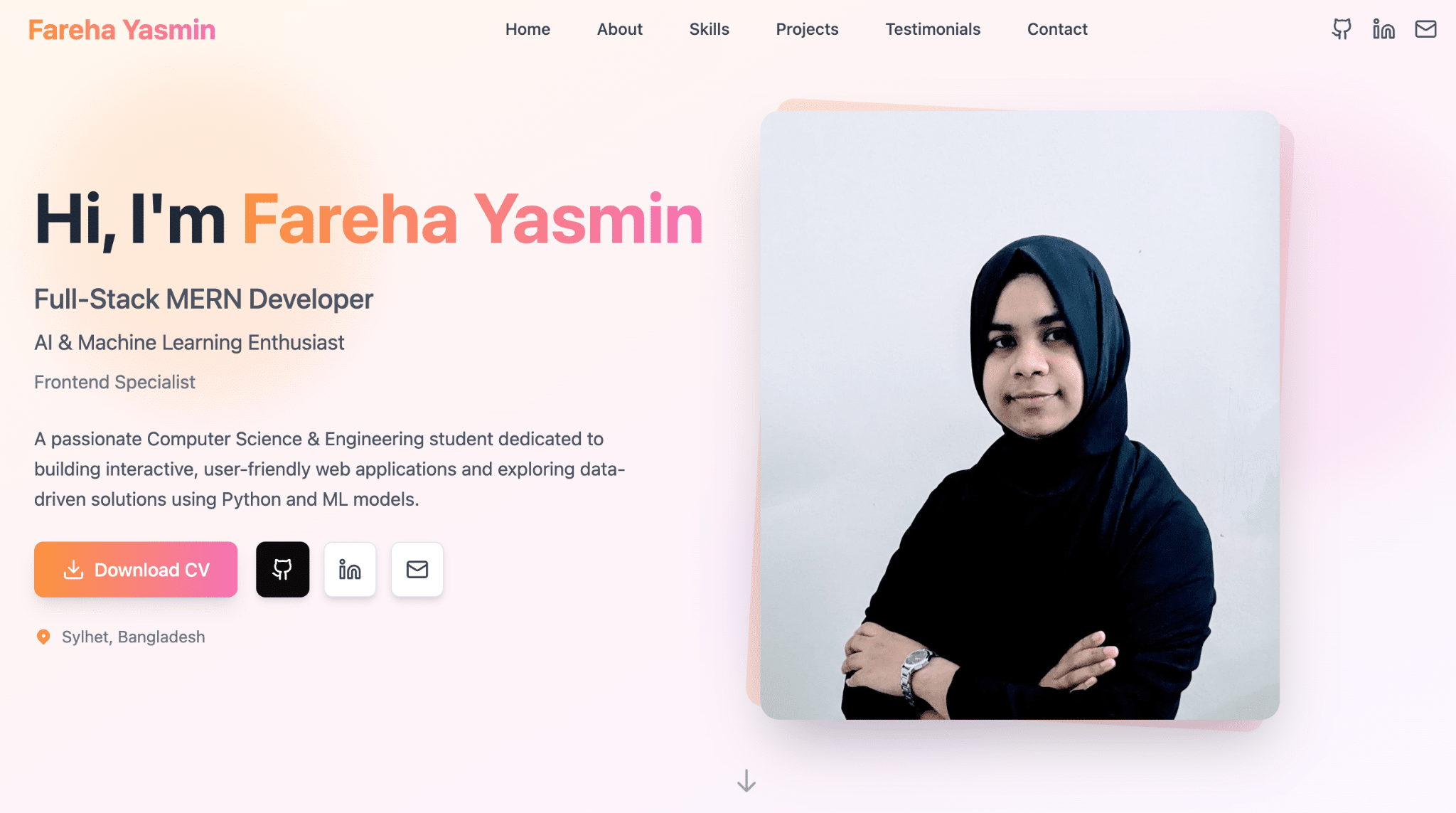
Even strong freelancer portfolios lose leads when contact options are hidden or unclear. If someone likes your work, reaching out should feel effortless.
Effective freelancer website portfolios usually include:
- A visible contact button in the header
- A short “Work With Me” section
- A simple inquiry form with minimal required fields
If you offer multiple services, guiding inquiries (“Share your timeline and goals”) can further improve response quality.


5 Good Freelance Writer Portfolio Examples
Looking at freelance writer portfolio examples helps clarify what works—not so you can copy them, but so you can borrow structure and ideas. The strongest freelance writing portfolio examples make evaluation easy for clients.
Common effective formats include:
- Niche-Focused Editorial Portfolio
One clear niche, a small set of strong clips. - Case-Study Writing Portfolio
Samples paired with brief goals and outcomes. - Minimalist Content Writer Portfolio
Clean categories and fast navigation. - Personal Brand–Driven Portfolio
Strong voice combined with clear positioning. - Multi-Format Writing Portfolio
Blog posts, landing pages, and long-form assets together.
These approaches show different ways to present freelance writing portfolio examples, broader freelance portfolio examples, and full freelancer website portfolio layouts.
FAQs On Freelancer Portfolio
1. Which Website Is Best For Making Freelance Portfolios?
The best option depends on how quickly you want to launch and how much control you need. For freelancers who value speed and easy iteration, platforms like YouWare simplify building and updating a freelancer website portfolio without heavy setup.
2. How To Start A Freelancing Portfolio?
Start with a clear focus:
- Choose a niche you want to be hired for
- Select 5–8 relevant samples
- Add brief context so clients can evaluate faster
- Publish early and refine based on feedback
A freelancer website portfolio that’s live and improving usually performs better than one that’s never finished.
3. How To Make A Portfolio For A Freelancer?
A strong freelancer portfolio answers three questions quickly:
- What do you do?
- Can you show proof?
- How can someone contact you?
Keep the structure simple, show your best work with context, and make contact frictionless—especially if your freelancer website portfolio is meant to convert visitors into leads.
Trending News:
Create an Online Store Free Without a Website (Selling Made Simple)